About Sniper for Brainrot
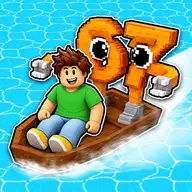
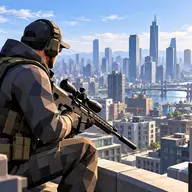
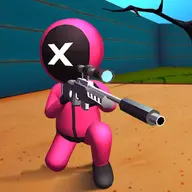
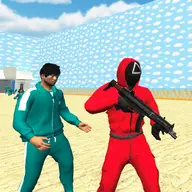
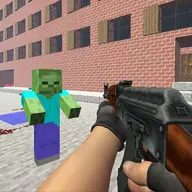
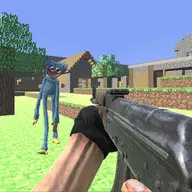
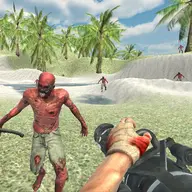
Take aim at the balloon floating over a Brainrot, then use the shot to transform into that creature. Your next task is a race to the Safe Zone, with a huge tsunami closing in from behind. The game combines careful aiming, quick movement, and a collection goal in one tense round.
Shooting from farther away can lead to rarer Brainrots, but it also makes the incoming wave move faster. You can grow your Base, gain access to stronger rifles, change your character's appearance, and gather 87 different collectibles. Two-player support lets friends share the action while each player handles their own movement and aiming.
How to Play Sniper for Brainrot
Player 1 moves with WASD, jumps with Space, and sprints with Shift. Player 2 uses the Arrow Keys to move and L to sprint.
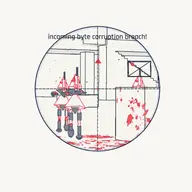
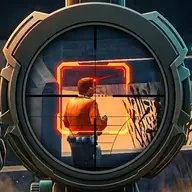
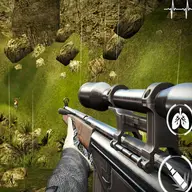
Press F or use the Right Mouse Button to look through the scope. The Mouse Wheel changes zoom, or Shift can zoom while scoped.
Fire with the Left Mouse Button, or press Space while scoped. Aim at the balloon above a Brainrot to trigger the transformation.
Reach the Safe Zone before the tsunami catches you. Use E to interact, Q to upgrade a Brainrot, and T to open the rebirth menu.
Tips & Tricks
- 1Choose your shooting distance with the wave in mind: a farther hit may bring a rarer Brainrot, but leaves less time before the faster surge arrives.
- 2Use the scope and zoom controls to line up the balloon rather than rushing an imprecise shot.
- 3In two-player sessions, agree on movement and timing so both players can focus on reaching safety and building their collections.
Game Info
- Category
- Shooting
- Platform
- Web browser
- Price
- Free
- Added
- Oct 24, 2026
- #2 Player
- #2 Player Games
- #Brainrot
- #roblox
- #Shooting
- #Sniper
Something wrong with this game or its description?