About Pony Color Fun
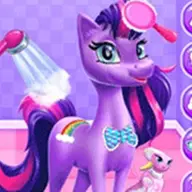
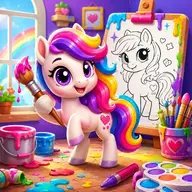
Pony Color Fun is a creative coloring activity set among cute ponies and dreamy scenery. You can choose from many pony pictures, with each character shown in a playful pose and personality. A broad palette lets you decide how their world should look, while soft gradients can add more gentle color variation. Sparkles, rainbows, and glowing highlights provide extra ways to decorate the artwork. The cheerful studio setting makes the game about personal expression rather than following one fixed result. It also works as a relaxed painting activity for players who enjoy bright characters, imaginative scenes, and simple mouse-based creativity.
Every coloring choice changes the look of the selected picture, so experimenting with different shades can produce a distinct result. Take time to combine the palette, gradients, and magical effects into an image that matches your own style.
How to Play Pony Color Fun
Use the mouse to play and interact with the coloring studio.
Choose a pony character from the available pictures.
Select colors from the palette and apply them to the artwork.
Add soft gradients, sparkles, rainbows, or glowing highlights when desired.
Try different color combinations to finish your chosen pony scene.
Tips & Tricks
- 1Pick the pony first, then consider which colors fit its pose and surrounding landscape.
- 2Use gradients when a flat area needs a softer or more varied appearance.
- 3Reserve bright magical effects for places where you want the finished picture to draw attention.
Game Info
- Category
- Girls
- Platform
- Web browser
- Price
- Free
- Added
- Oct 24, 2026
- #Coloring
- #Educational
- #Fun
- #Hypercasual
- #Kids
- #Mobile
- #New
- #painting
- #School
Something wrong with this game or its description?