About GORILGO FPS : Online Shooter
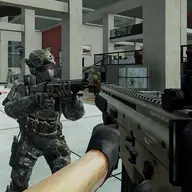
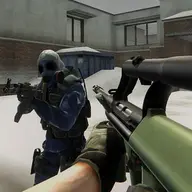
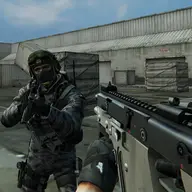
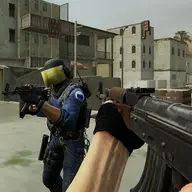
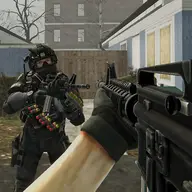
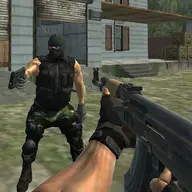
GORILGO FPS: Online Shooter combines fast 3D first-person battles with a choice between firearms and gorilla strength. Human form supports ranged attacks and careful shooting, while the gorilla form changes the encounter into close combat with powerful melee strikes. That contrast lets you alter your approach during a fight and catch rivals off guard.
Matches focus on confronting enemies in a chaotic multiplayer battlefield. Movement and jumping help you navigate the action, while transformation provides a direct way to exchange shooting distance for raw physical force. The game supports both PC and mobile controls, so the essential challenge is learning when accurate gunfire serves you better than a sudden melee assault.
How to Play GORILGO FPS : Online Shooter
Use the WASD keys to move around the battlefield on PC.
Jump with the keyboard command assigned to Space, using the space bar rather than a movement key.
Activate the gorilla transformation with the F key, then use that form for close-range melee attacks.
Switch your approach between gunfire in human form and direct attacks as a gorilla; mobile players can use the available touch controls.
Tips & Tricks
- 1Stay in human form when distance makes ranged shooting more useful than entering a melee exchange.
- 2Transform when an opponent is close enough for the gorilla form's physical attacks to matter.
- 3Keep moving with WASD and use jumps to make your position less predictable during firefights.
Game Info
- Category
- 2 Player & .io
- Platform
- Web browser
- Price
- Free
- Added
- Oct 24, 2026
- #.io
- #.io Games
- #1 Player
- #3D
- #3D Games
- #Action
- #attack
- #Battle
- #Multiplayer
- #Online
Something wrong with this game or its description?