About Find Words
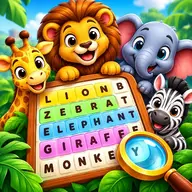
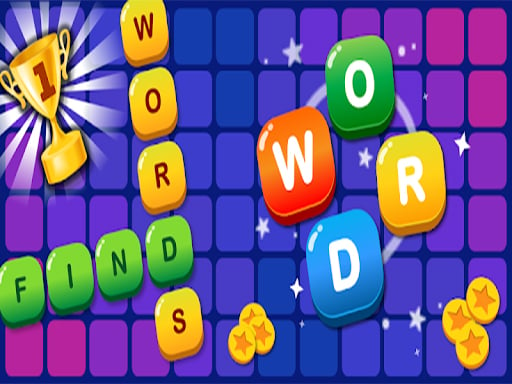
Find Words is a letter-connecting puzzle focused on hidden vocabulary. Each puzzle presents letters that can be joined to reveal words, turning spelling and recognition into the main challenge. The game begins with easier word puzzles and becomes more demanding as you progress through the crossword-style collection. Coins and prizes are awarded as part of the progression, helping you move from one level to the next. Its main appeal is the small moment of discovery when a sensible word emerges from a scattered group of letters. The simple swipe control keeps the attention on forming words rather than managing complicated actions.
Every round asks you to concentrate on the available letters and search for the intended answers. Solving the crossword puzzles gives the game a steady path forward, while the changing challenge encourages you to use both vocabulary and spelling knowledge. It is built for one player and works as a focused brain puzzle.
How to Play Find Words
Swipe across the letters to connect them into a word.
Search the available letters for hidden words that belong to the crossword puzzle.
Complete the required word answers to advance from one level to the next.
Use the coins and prizes earned during play as part of that progression.
Tips & Tricks
- 1Start by spotting familiar short words before searching for less obvious combinations.
- 2Check the spelling of a possible answer as you trace it, since one wrong letter changes the word.
- 3When the puzzle becomes harder, compare unused letters and look for word patterns suggested by the crossword.
Game Info
- Category
- Puzzle
- Platform
- Web browser
- Price
- Free
- Added
- Oct 24, 2026
- #Best
- #Brain
- #Click
- #Clicker
- #Hot
- #HTML
- #HTML5
- #Hypercasual
- #Mind
- #Puzzle
- #Word
Something wrong with this game or its description?